
Your picture book,
ready for
KDP.
You bring the manuscript. Kiddo illustrates every page and hands you a print-ready interior and a cover with spine. You click publish.
Trim, bleed and margins checked before you export.
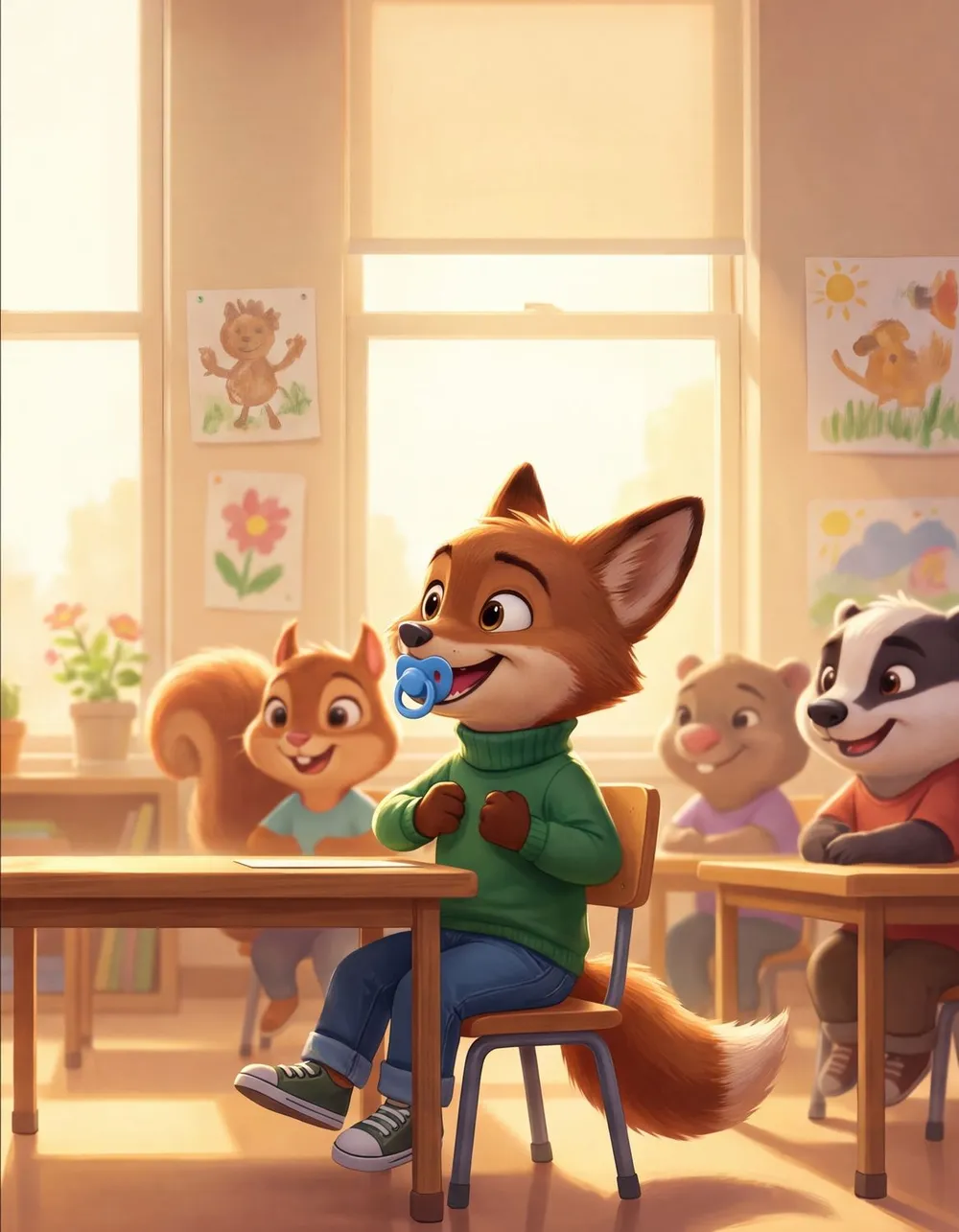
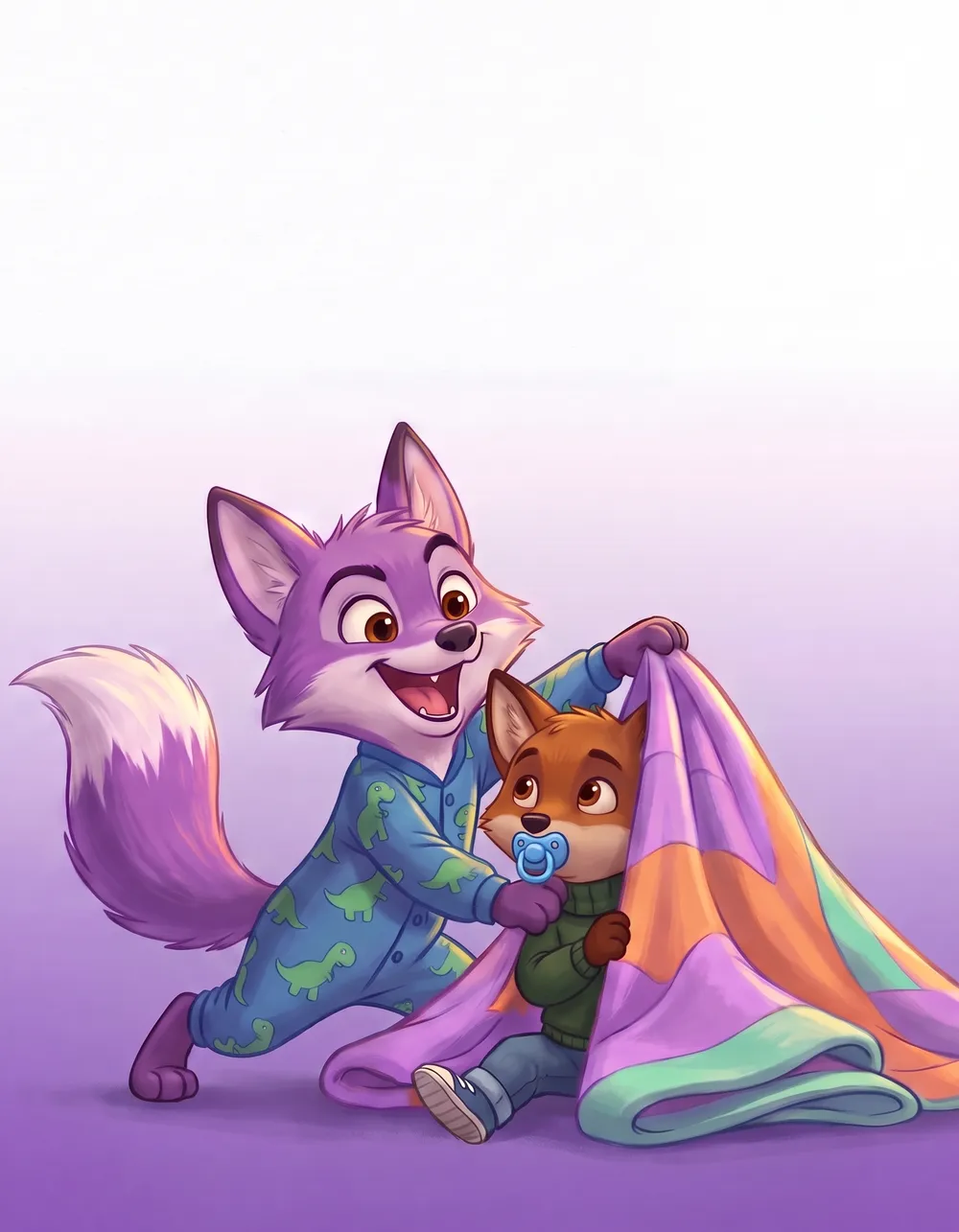
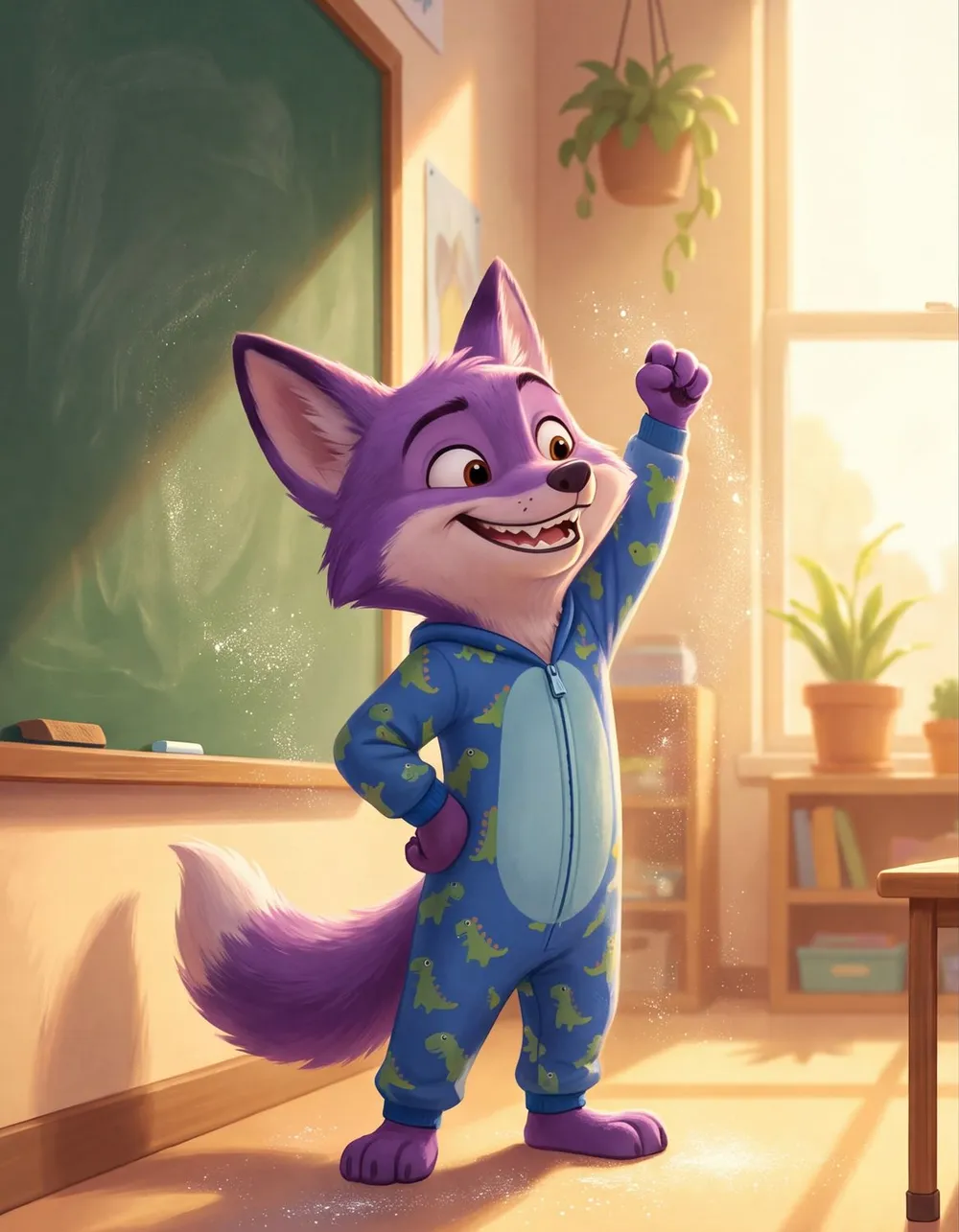
You have the manuscript. The pictures are the hard part.
A finished story. A niche you believe in.
Then the illustrator quotes come back, and the calendar fills up.
And the KDP specs wait at the end: trim, bleed, spine.
and the book still isn't live
Most picture books stall between the manuscript and the first page.
Yours is finished, edited, and waiting.
Manuscript · v7
Final draft. Every spread planned. Illustrations: still to come…
Re: illustration quote
still waiting
Bring the manuscript. It's the one part we don't do for you.
Paste it in. Every word stays exactly as you wrote it. Kiddo splits it into spreads with you.
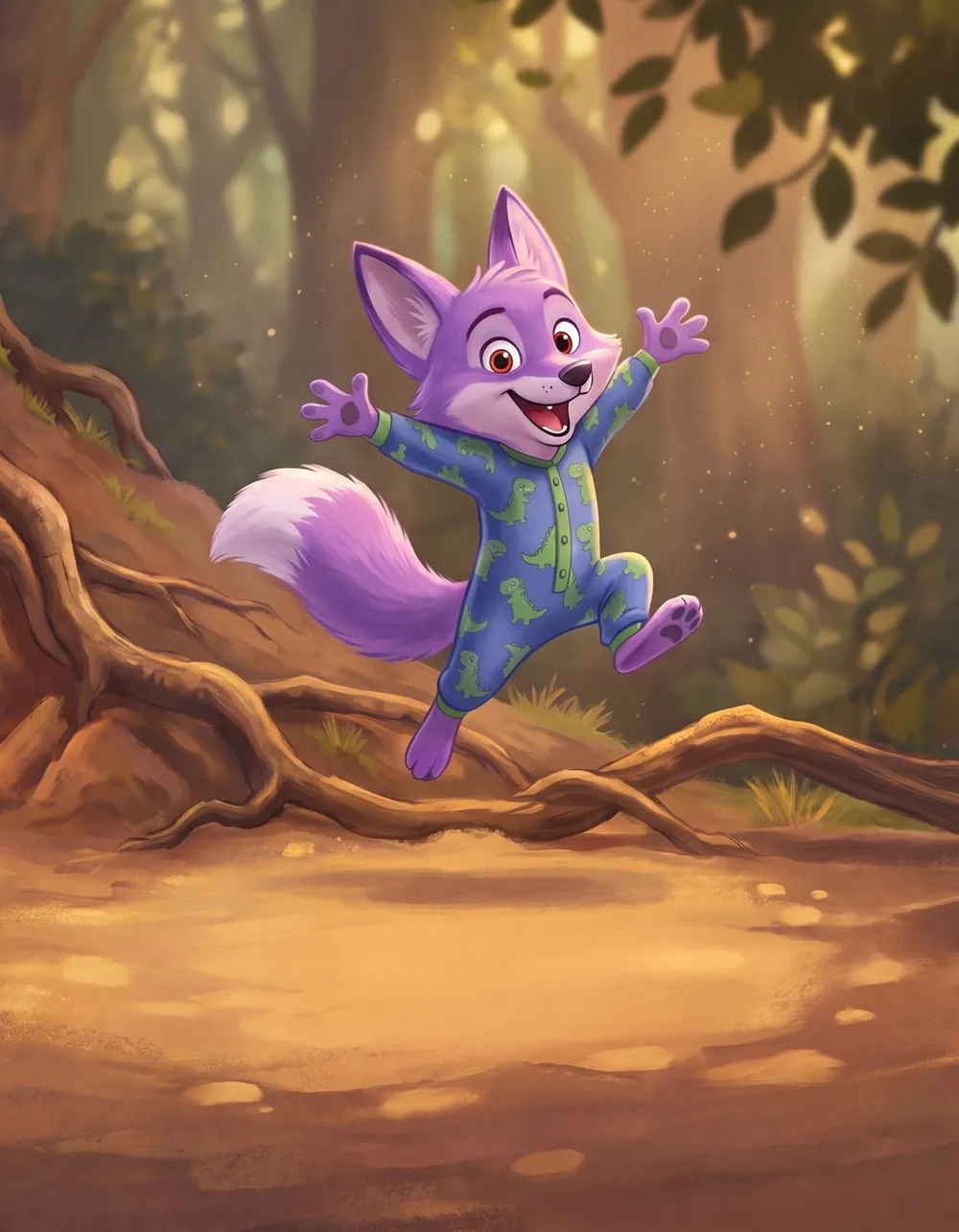
Same page. Five styles.
Pick the look your readers expect. Kiddo paints every page of your book in it, with the same characters throughout.
pick it once, every page follows
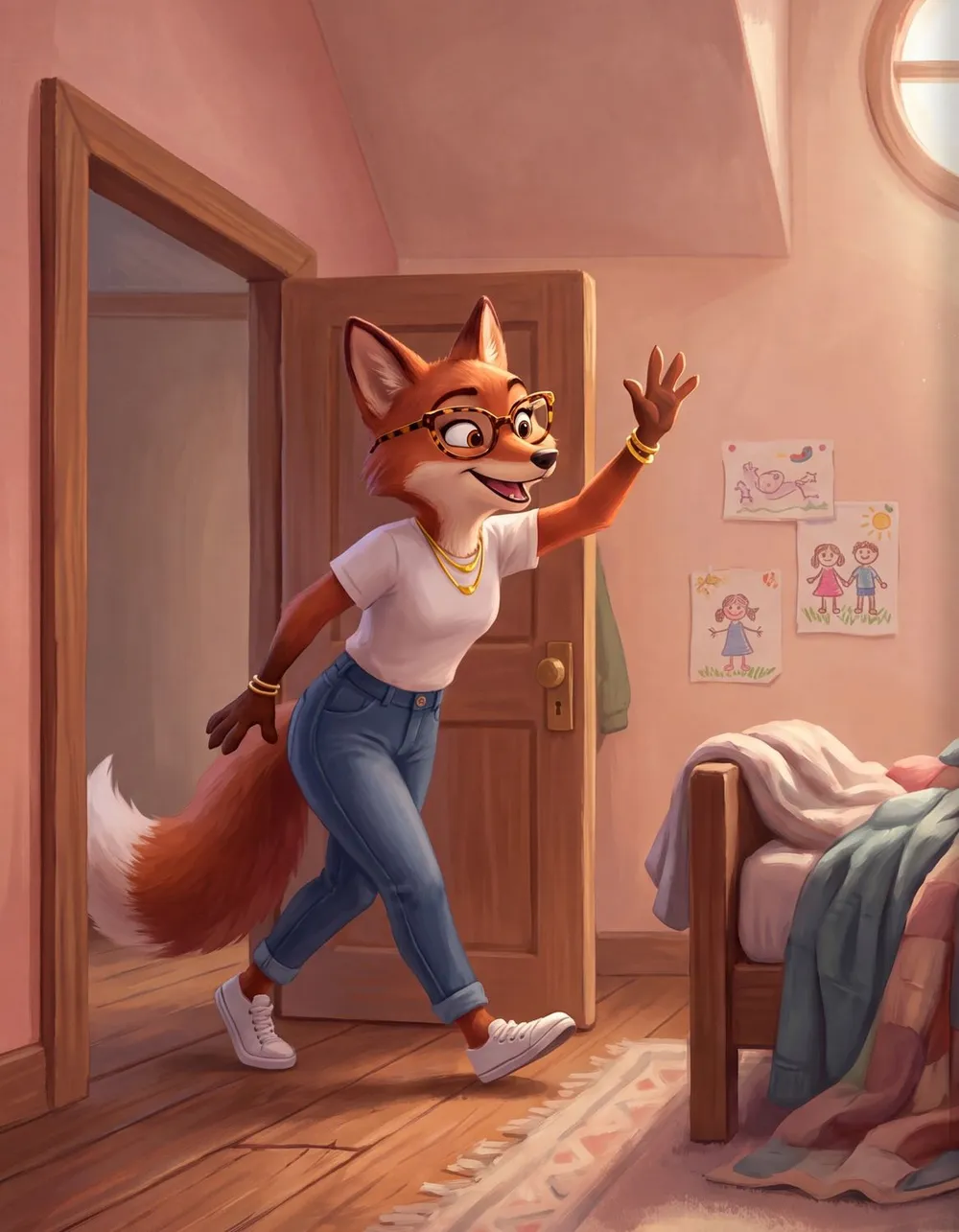
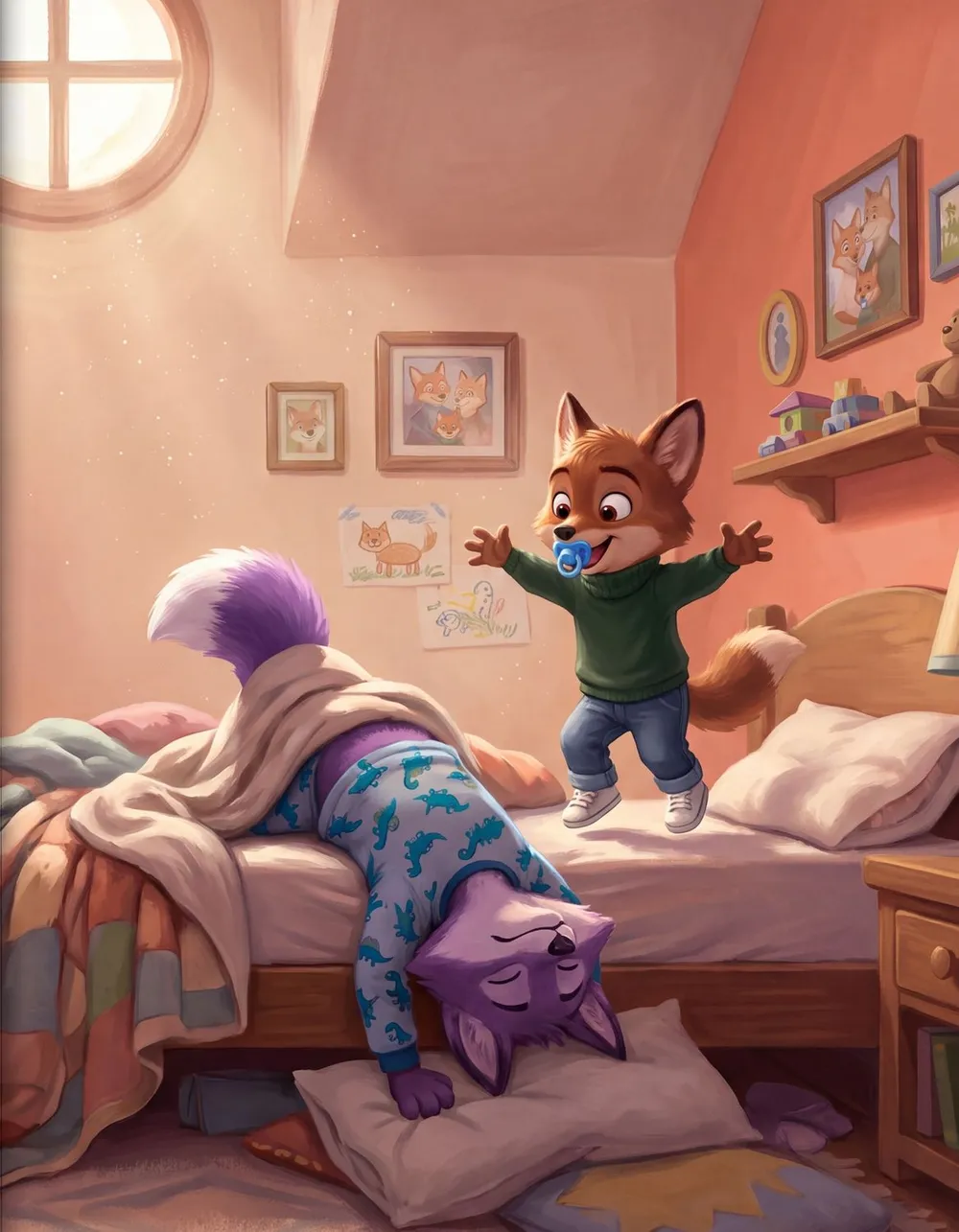
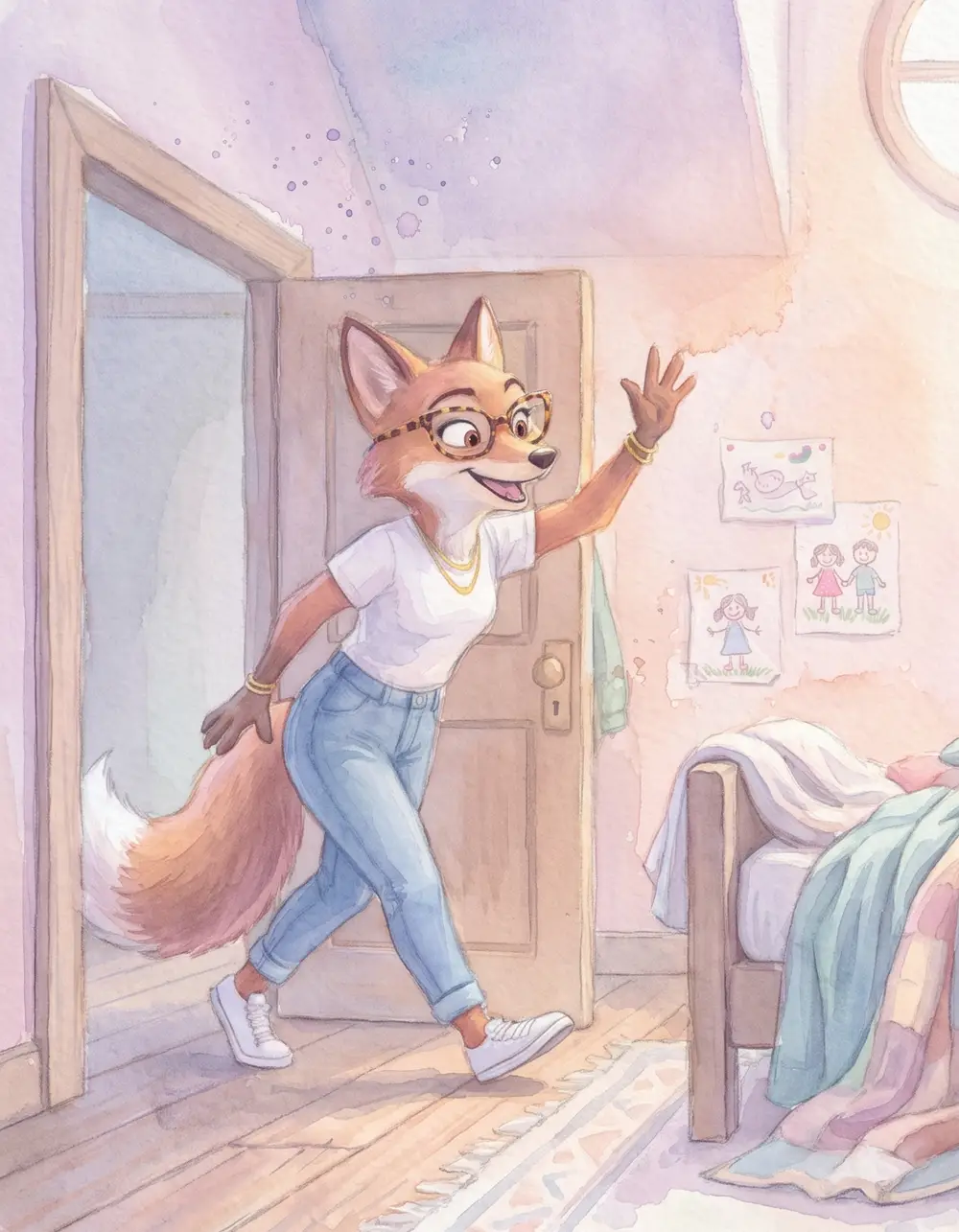
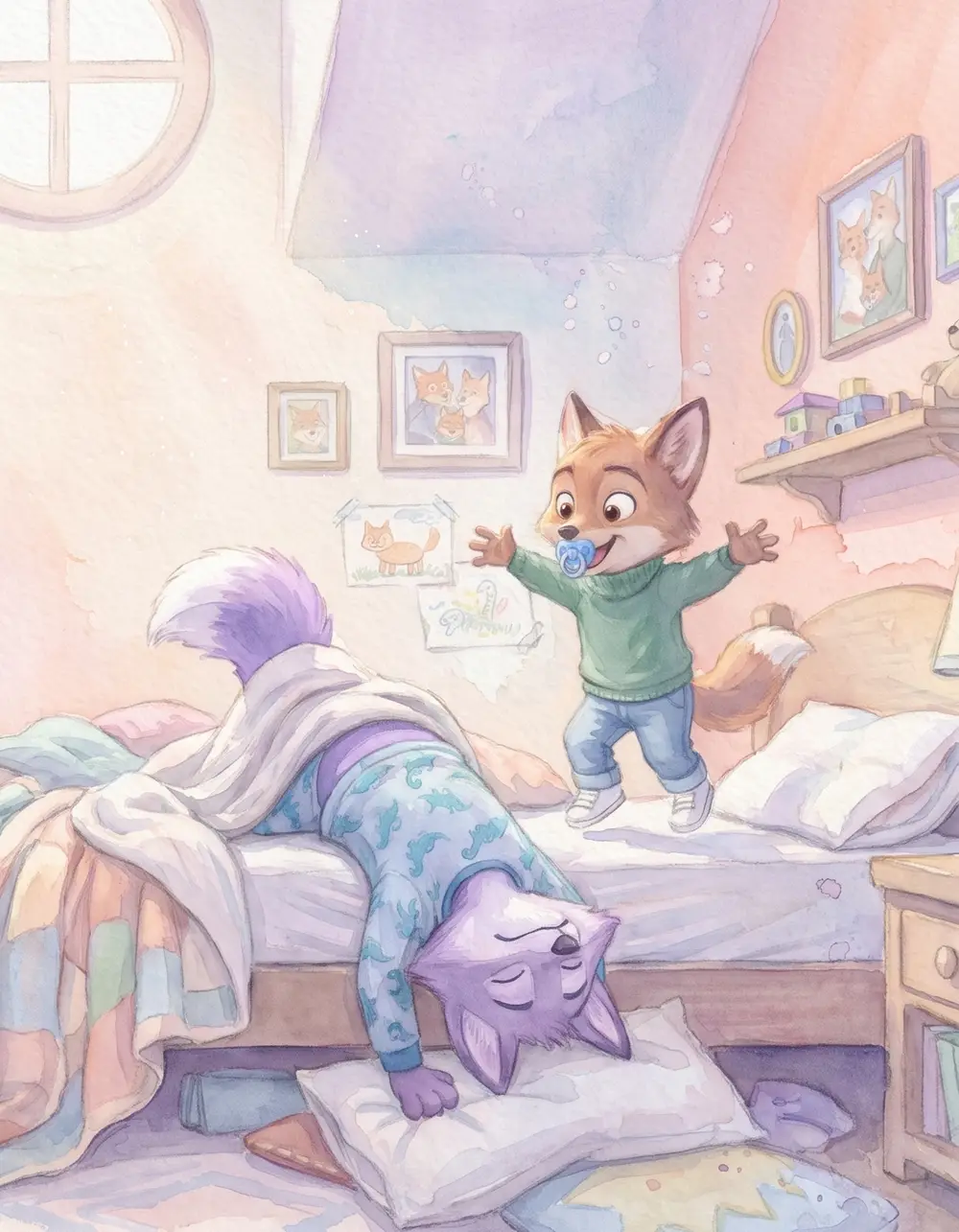
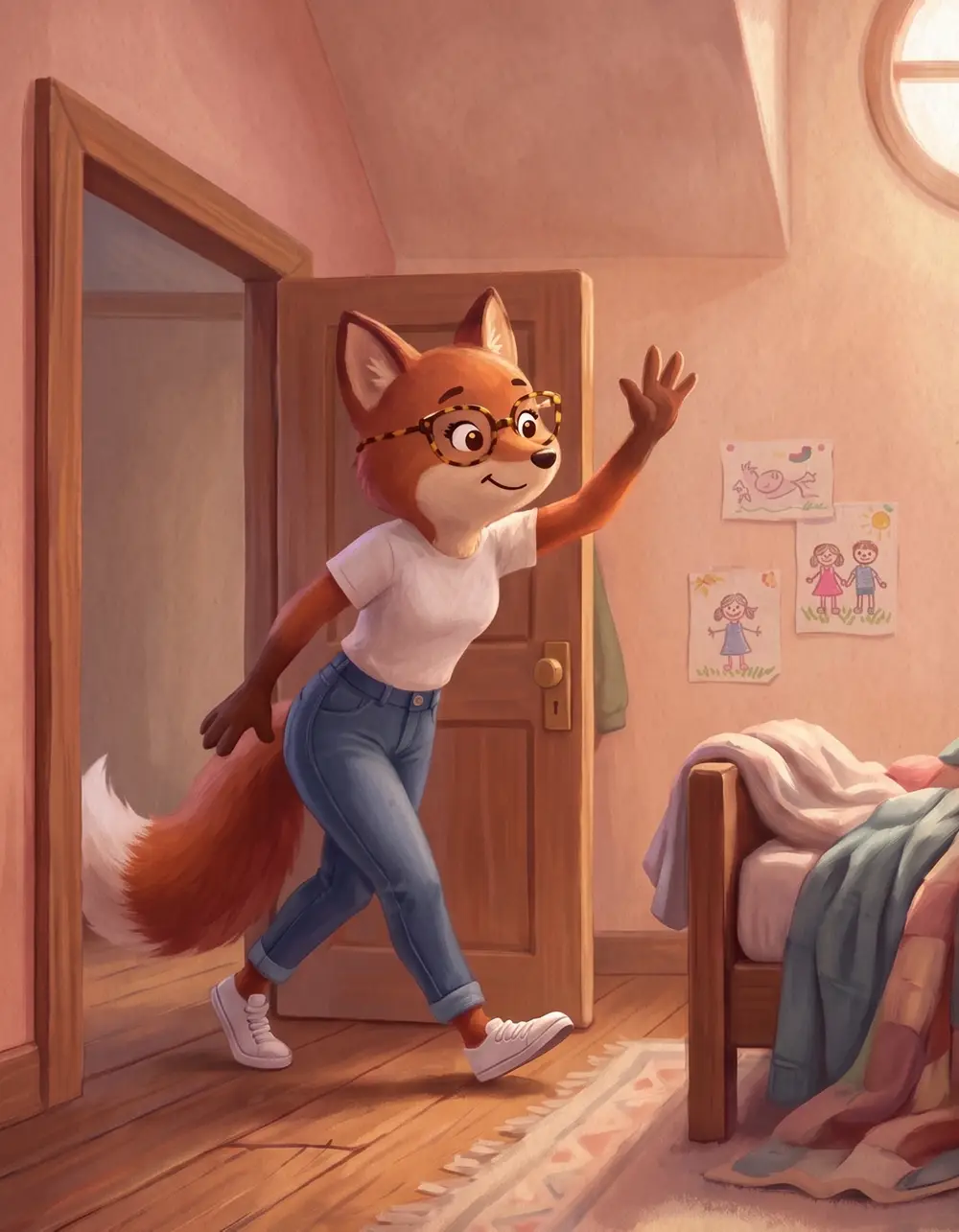
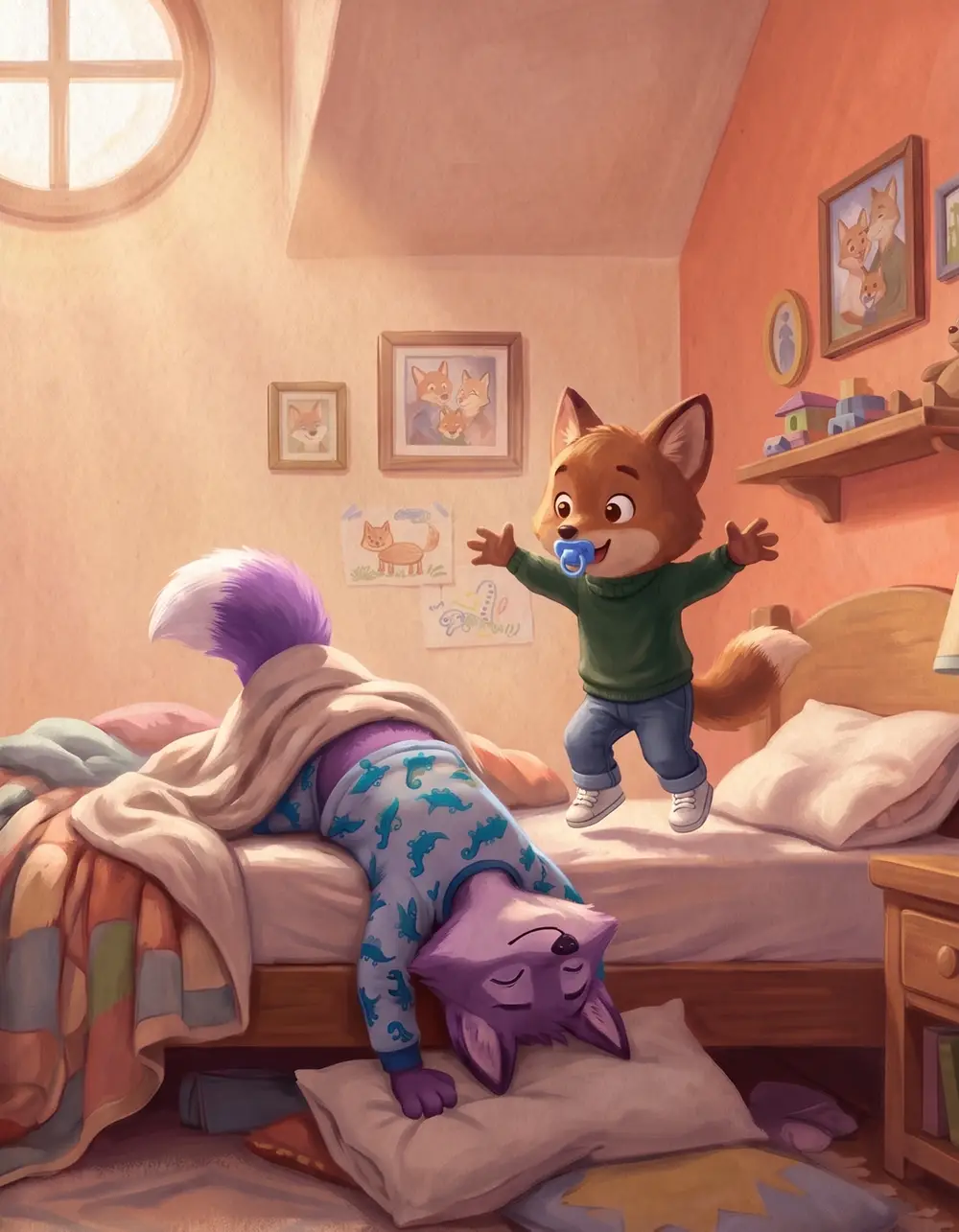
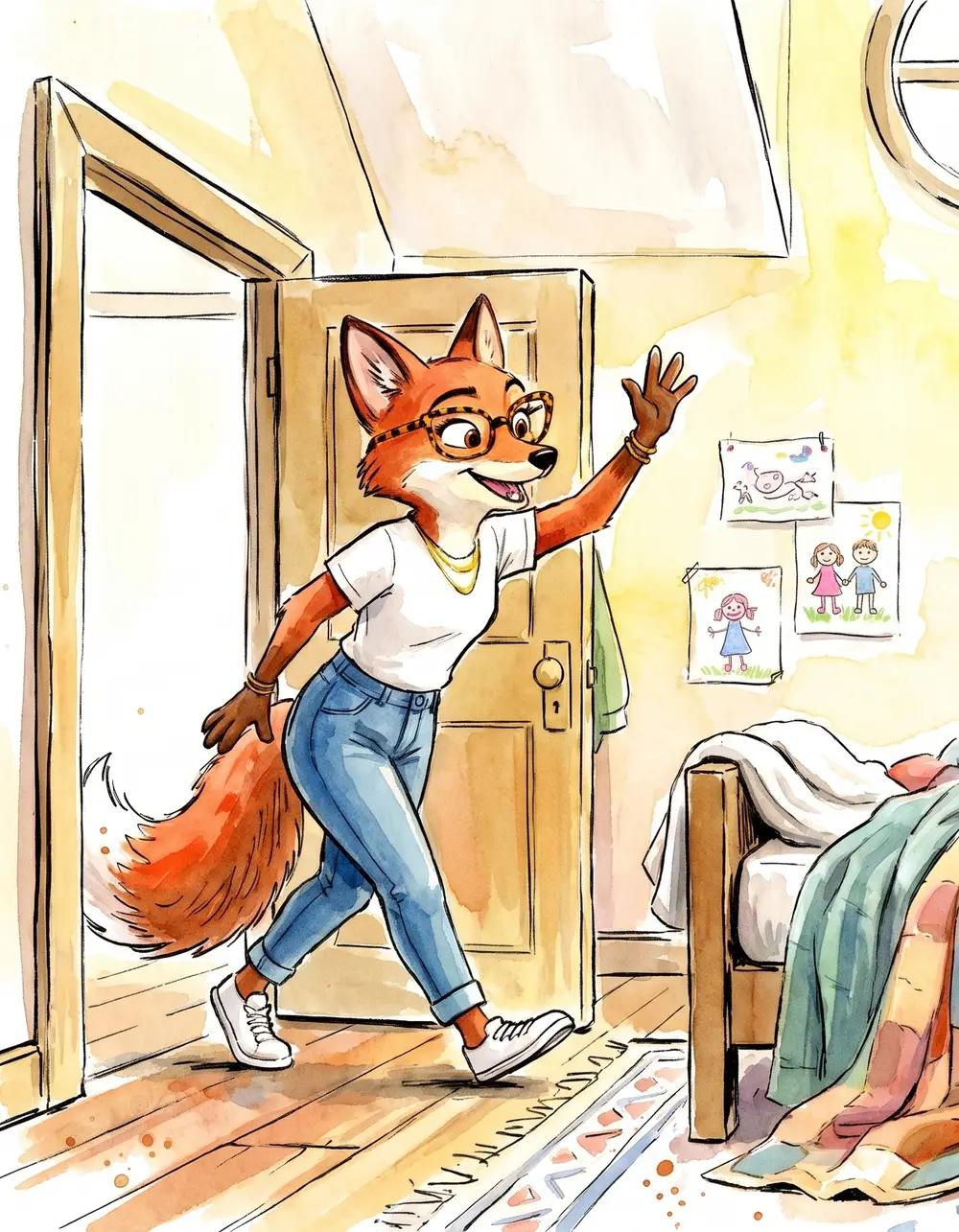
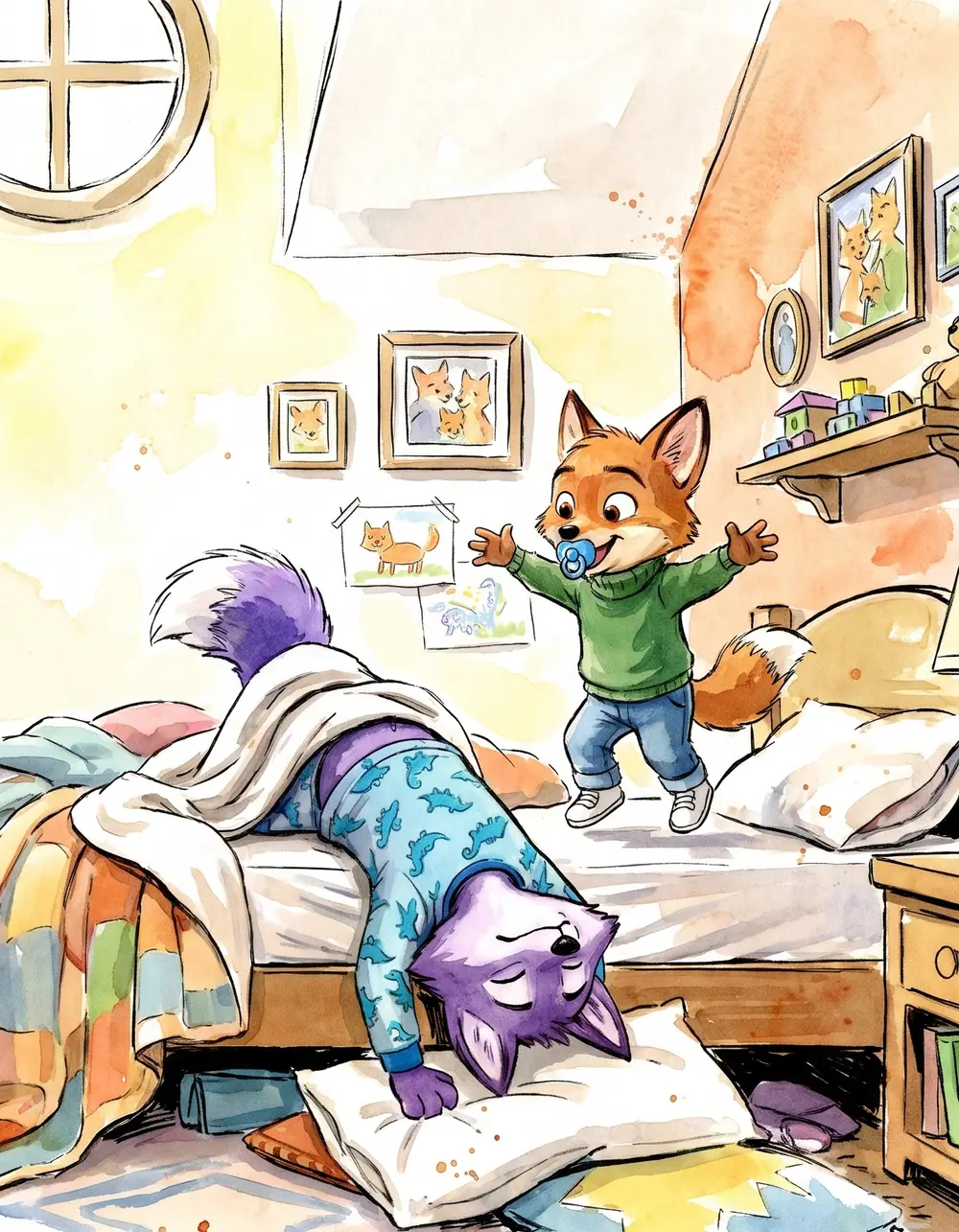
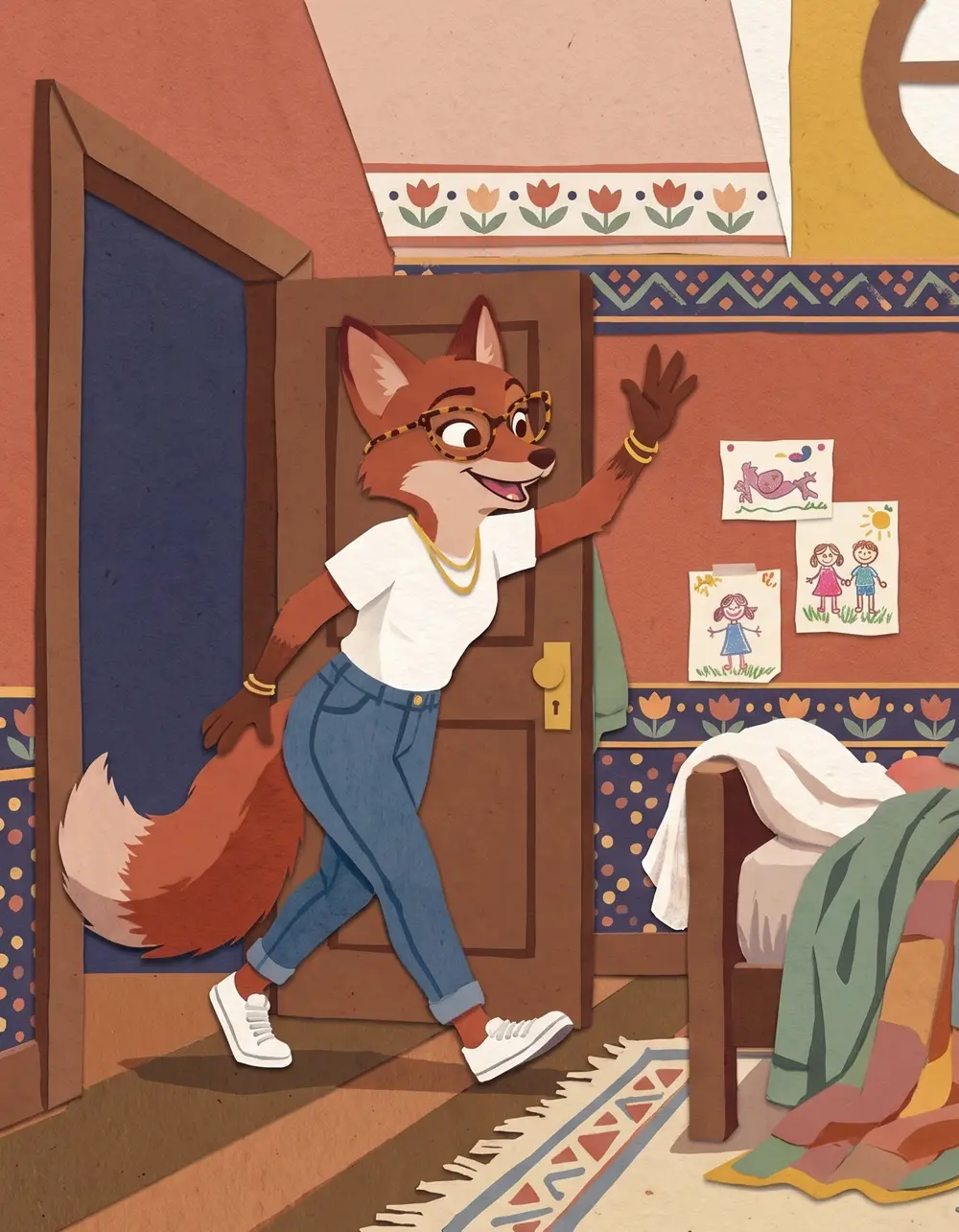
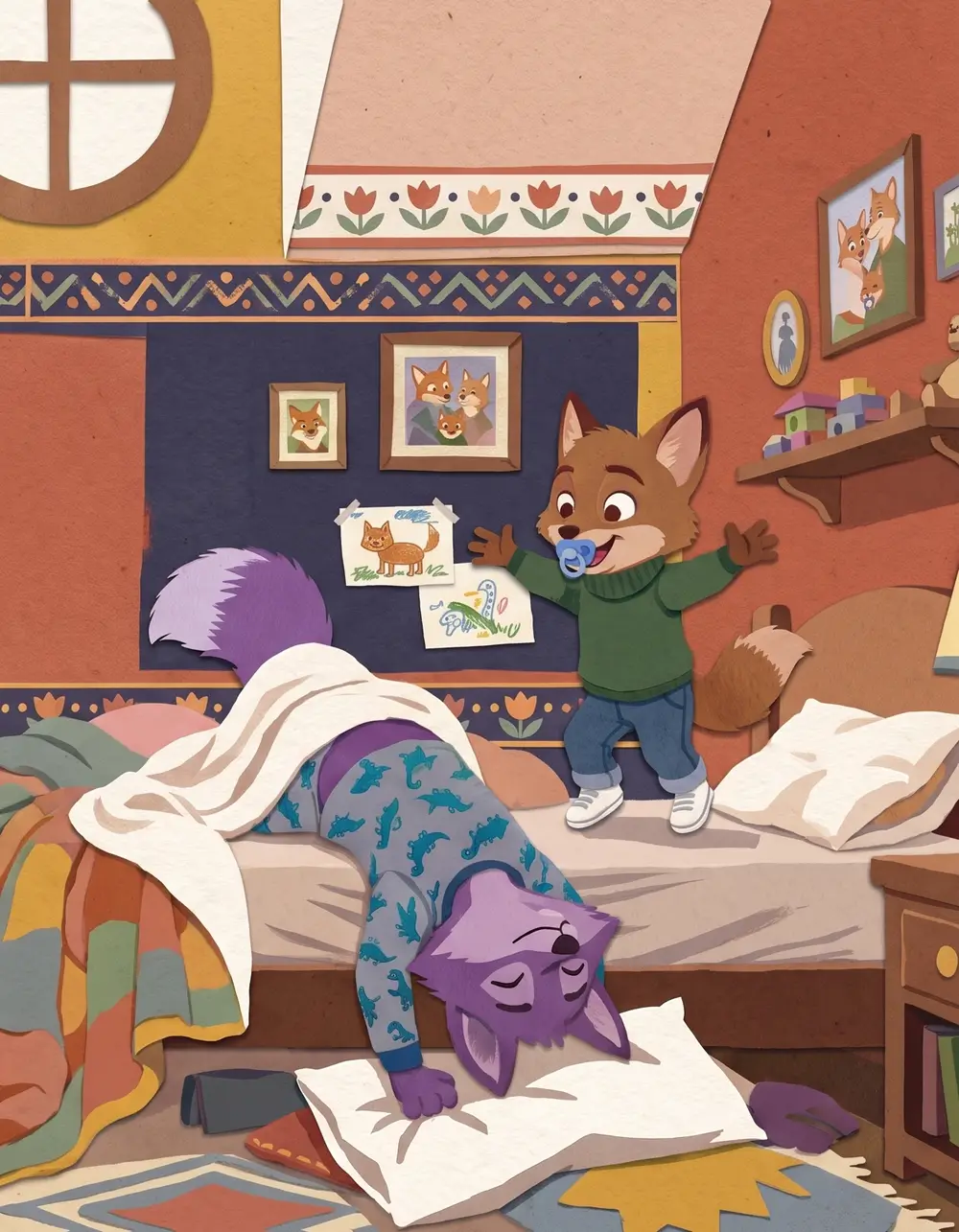
Same page, shown in each style · Animated Movie
See every page before you pay.
Change a line, redraw a spread. Export only when it's right.
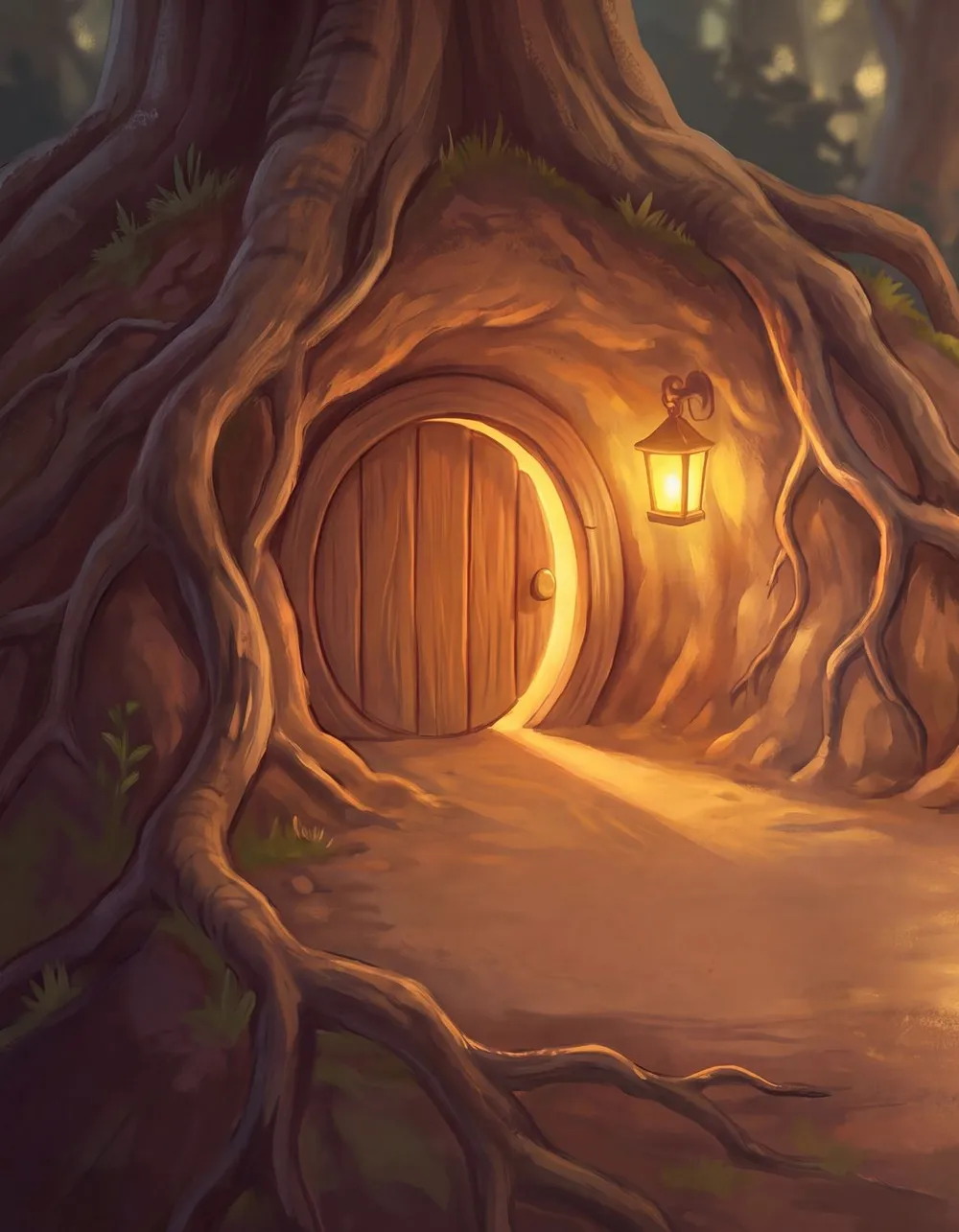
Upload it. Set your price. Keep your royalties.
Export a print-ready interior and cover PDF, built to Amazon KDP specs. Your name on the spine.
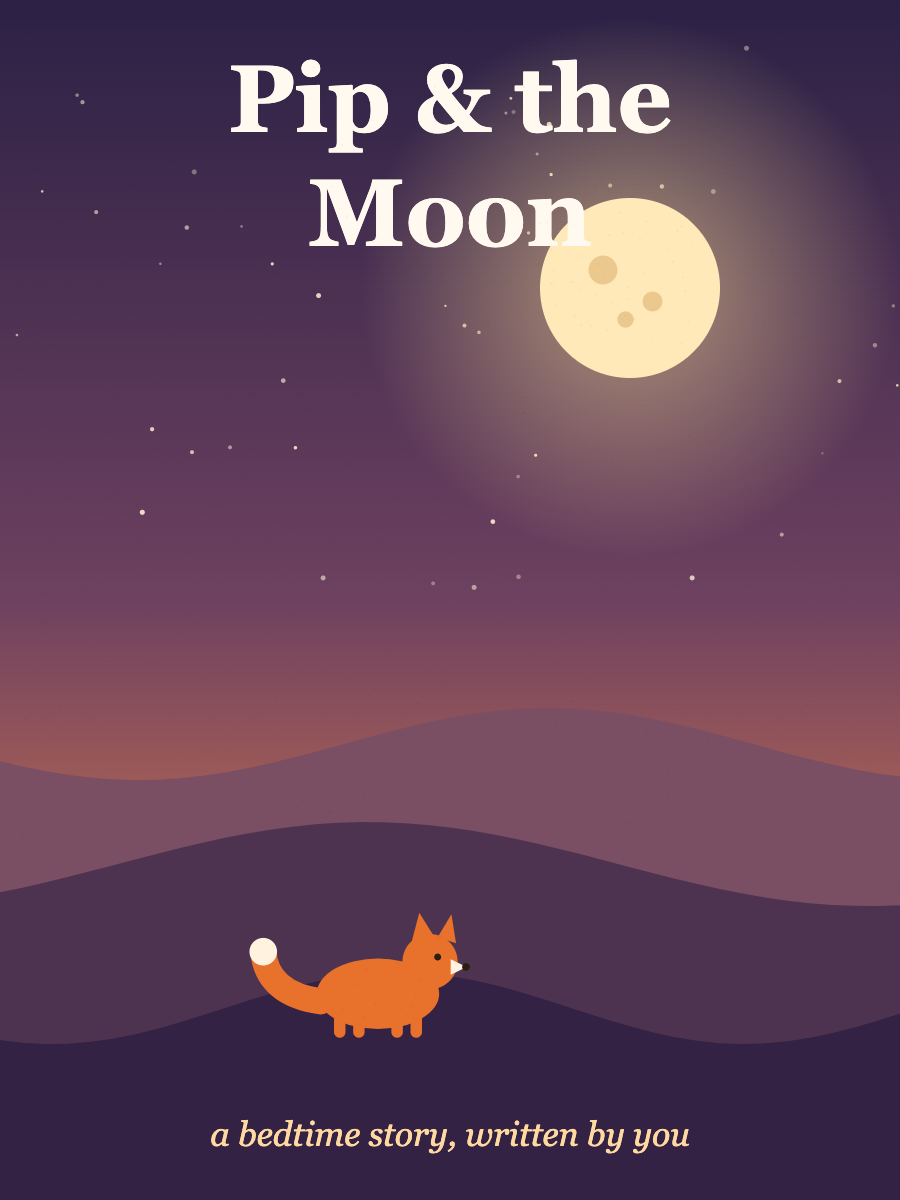
Pip & the Moon
by you
Paperback · 24 pages · ages 3–8
Your book, on Amazon KDP
Your price
In stockFrom manuscript to KDP in one sitting.
Read the transcript
Some stories already live at the kitchen table: the bedtime tale you tell every night, the one Grandpa made up, the manuscript you have polished for years. Kiddo is a companion for turning that story into a real picture book — your words, illustrated page by page, and print-ready for Amazon KDP. Here's how it works, from the first line to the publish button.
Bring your words
Start with your words. Give the book a title, then paste your manuscript, or write it right here. Kiddo never rewrites your story. It illustrates it.
Choose a style and a shape
Next, choose how it should be painted, from soft watercolor to folk art. Then pick the book's print shape, portrait or square. Do this first: a print book's size can't change once the art is made.
Plan the page turns
Now plan the page turns. Kiddo suggests where each spread begins. Every colour is one spread. Move any turn with a click, so each spread ends on a moment worth turning the page for. You can leave the illustrator a short note on any spread, too.
Meet your characters
Then meet your characters. Kiddo reads your story and finds them. Describe how each one looks — fur, clothes, the little details — and approve their portraits. Kiddo keeps them consistent on every page, from the cover to the last spread.
Paint, then polish
Kiddo paints your pages, leaving calm space for your words. Then make it yours. Drag a text box where you want it, and change the font or the size. Redraw a spread you'd like to change, and design the title on your cover.
Get it ready for Amazon KDP
Kiddo checks every page for print: your words inside the safe area, the art running into the bleed, a spine sized to your book. One credit builds your interior and cover PDFs, and Kiddo drafts your listing and the keywords readers search for. Declare the AI illustrations, as KDP asks. Then you press publish.
Your words, your book. Start free at kiddobooks dot app.
Free to make. $9.99 for print-ready files.
Write, illustrate and preview every page for nothing. $9.99 per book unlocks the KDP interior and cover PDF. No subscription.
"Will KDP accept it?"
Trim set first.
You pick the KDP trim size before anything is painted, so the art is made for your page.
Margins checked.
Text is kept inside the safe area, and export checks every page before it builds your PDF.
A cover with a real spine.
Front, spine and back in one PDF, with the spine sized to your page count.
The AI question, answered.
KDP asks whether you used AI. The publish guide helps you answer honestly.
Questions authors ask.
Your manuscript has waited long enough.
Free to make · preview every page · $9.99 for print-ready files
Picture-book illustration for KDP authors
Kiddo illustrates children's picture books for self-publishing authors on Amazon KDP. You bring the finished manuscript; Kiddo keeps every word exactly as you wrote it, splits it into spreads with you, and illustrates every page in one style with the same characters from the first page to the last. You get a print-ready KDP interior PDF and a cover PDF with its spine, and you publish the book yourself.
How it works for authors
1. Paste your manuscript
Any length. Kiddo never rewrites your text; it only illustrates it.
2. Pick your trim size and style
Choose a KDP paperback trim (8.5 × 11 in portrait or 8.5 × 8.5 in square) before anything is painted, then one of five illustration styles.
3. Review, polish and export
Fix each character's look once, preview every page, move your text and redraw a single spread if you need to. Export checks every page's text against the safe area before it builds your PDFs.
Built for KDP's print requirements
Trim set first.
You pick the KDP trim size before anything is painted, so the art is made for your page.
Margins checked.
Text is kept inside the safe area, and export checks every page before it builds your PDF.
A cover with a real spine.
Front, spine and back in one PDF, with the spine sized to your page count.
The AI question, answered.
KDP asks whether you used AI. The publish guide helps you answer honestly.
Pricing
Write, illustrate and preview every page for nothing. $9.99 per book unlocks the KDP interior and cover PDF. No subscription.
Questions authors ask
Which trim sizes can I use?
Paperback at 8.5 × 11 in (portrait) or 8.5 × 8.5 in (square). You pick the size before anything is illustrated, so the art is painted for your page. Landscape and hardcover are on the way.
What does $9.99 buy?
One book's print-ready files: the KDP interior PDF and the cover PDF with its spine. Writing, illustrating and previewing every page are free. No subscription, no per-page fees.
Who owns the book?
You do. The story is yours, the files are yours, and the royalties from KDP are yours. We don't take a cut.
Does KDP ask about AI illustrations?
Yes. KDP asks you to disclose AI-generated images when you publish. Kiddo's publish guide walks you through that question so you can answer it honestly.
Do I need an ISBN?
Not to make your files. KDP can give you a free ISBN for the paperback, or you can use your own.
Can I change a page after it's illustrated?
Any page, any time. Rewrite the line and redraw just that spread — the rest of the book stays exactly as it was.